OBS overlay
Music plays inside the overlay, so tracks don't play without the overlay open in OBS. The Player tab shows whether it is connected.
Setup
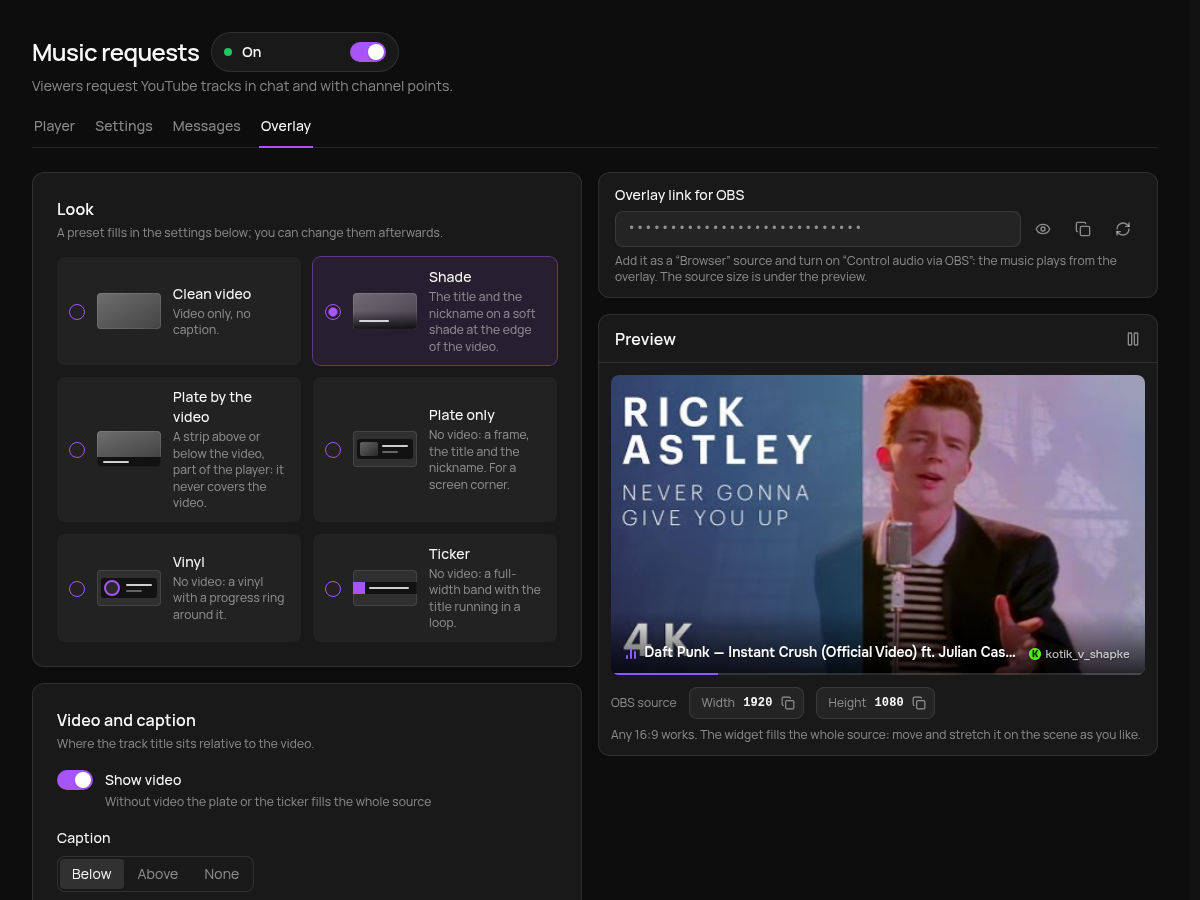
- On the Overlay tab copy the Overlay link for OBS.
- In OBS add a "Browser" source with this link. The source width and height are shown under the preview and depend on the chosen look.
- In the source properties turn on Control audio via OBS so the music goes through the OBS mixer to the stream.
- Click Play on the Player tab. A new overlay starts paused.
Look changes apply after saving; the link stays the same. Don't show the link on stream. If it leaks, regenerate it with the arrows button and paste the new one into OBS.
You can add the overlay to several scenes: the one on air plays, and the track continues from the same spot. Don't tick "Shutdown source when not visible" in the source, or the music pauses on every scene switch.
Look
A preset fills in the settings below; you can change them afterwards.
Shade: video with title and nickname on a soft shade at the edge. Source 1920×1080, any 16:9 works.
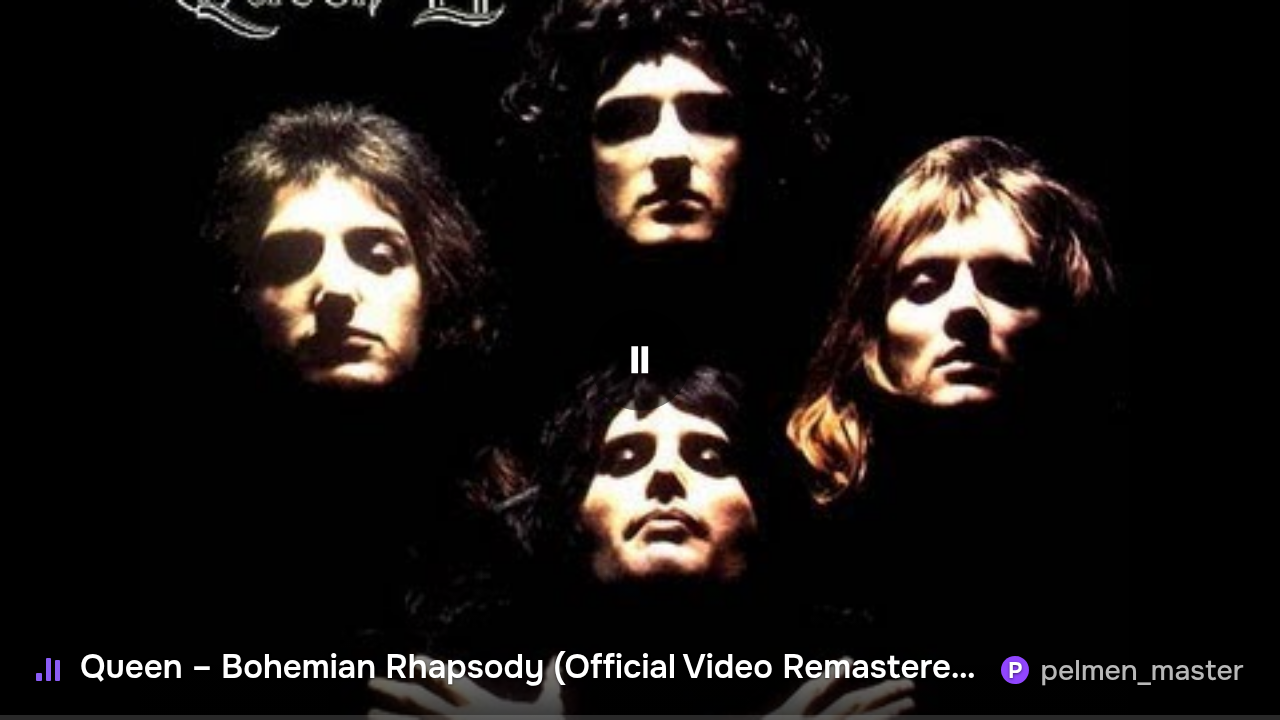
Plate by the video: a bar under or above the video that doesn't cover it. There is also Clean video, with no caption.
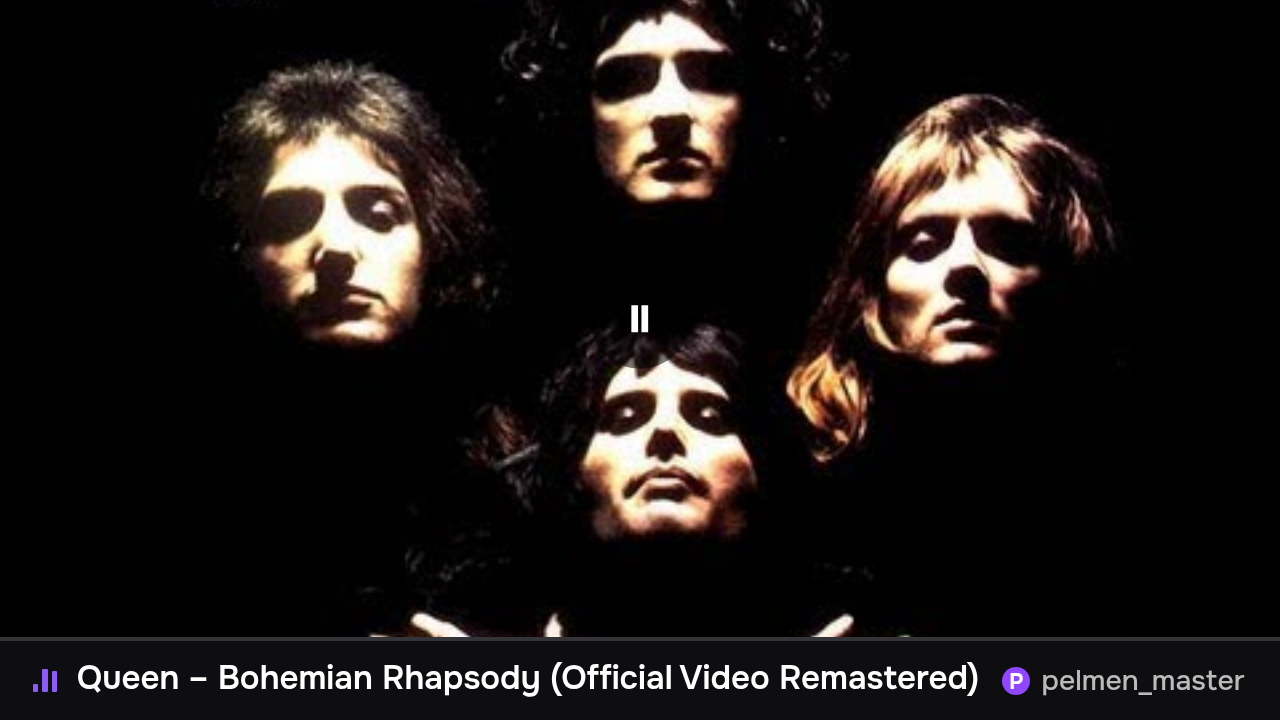
Plate only: cover, title and nickname for a screen corner, 900×200.
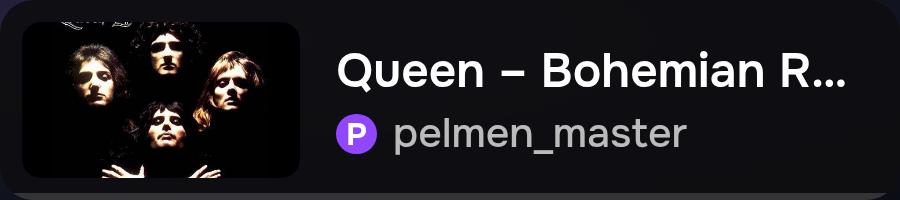
Vinyl: the cover on a record with a progress ring around it, 900×200.

Ticker: a full-width bar with the title scrolling in a loop, 1920×80.

Below you set the caption position and style, what it shows (title, requester, progress bar, time), text size and accent colour.
Behaviour
- Hide when nothing is playing: without it the source keeps a "Nothing is playing yet" label.
- YouTube playback:
- Video (iframe): the YouTube player only.
- Video, audio on failure: if the YouTube player fails, the track plays without video, with the cover. A good pick if YouTube is unreliable for you.
- Audio only: always without video, with the cover and caption.