Settings and limits
Settings live on the Settings tab and apply to the next request. Tracks already in the queue stay.
General
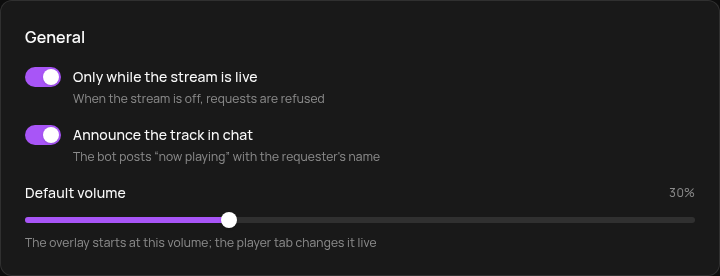
- Only while the stream is live: when you are offline, requests are refused.
- Announce the track in chat: when a track starts, the bot posts "Сейчас играет «…» — заказал …" in the chat of the platform the request came from.
- Default volume: the overlay starts at this volume. The slider on the Player tab changes it live.
Viewers
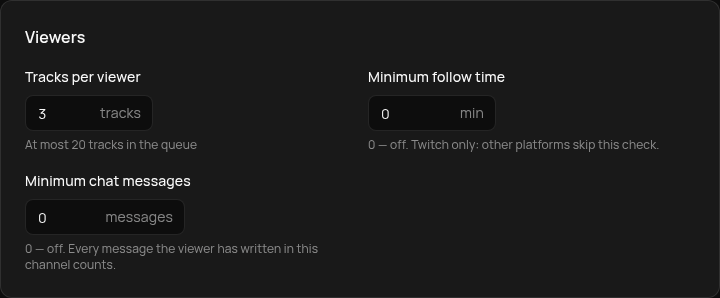
- Tracks per viewer: how many tracks one viewer can have in the queue at once, up to 20.
- Minimum follow time: Twitch only; other platforms skip the check.
- Minimum chat messages: counts every message the viewer has written in your channel.
0 turns a check off. The streamer and moderators skip the follow and message checks, but only when requesting by command. Channel point requests are checked for everyone.
Tracks
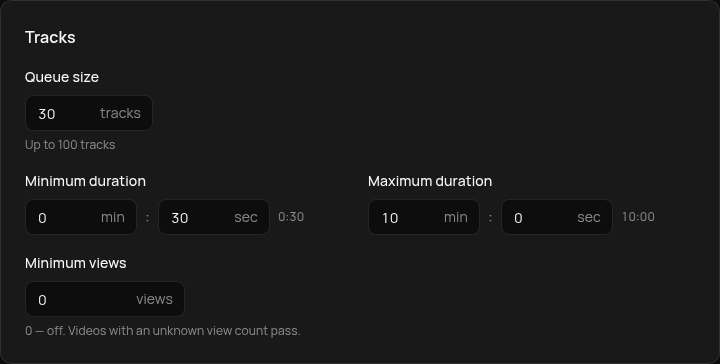
- Queue size: up to 100 tracks.
- Minimum and maximum duration: 30 seconds to 10 minutes by default.
- Minimum views: videos with fewer views are refused. Videos with a hidden view count pass.
Live streams, 18+ videos and a track that is already in the queue are always refused.
Banned
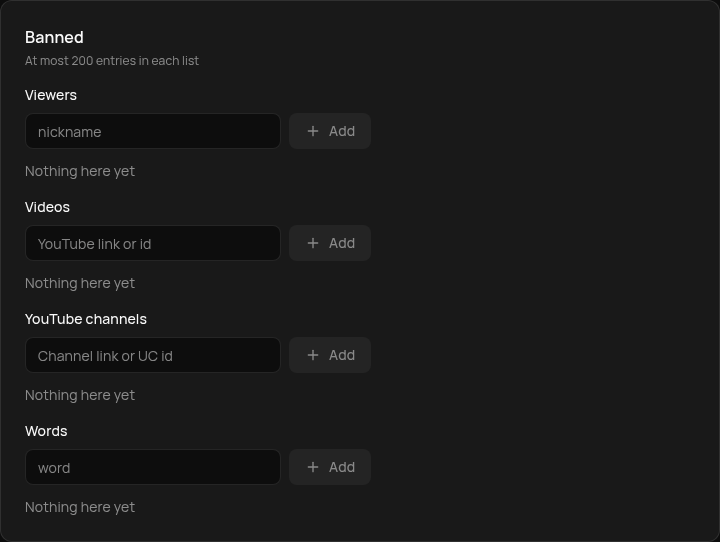
Four lists, up to 200 entries each:
- Viewers: the nickname of a viewer who can't request.
- Videos: a link or a video id.
- YouTube channels: a channel link or its UC id, to ban every video of the channel.
- Words: a request is refused when the word is in the track title.
You can also ban a video or a viewer straight from the queue with the track's ⋯ menu.
Bot messages
The Messages tab lets you replace any bot reply. An empty field means the default text. Placeholders in curly braces ({title}, {position}, {requester}, {limit} and others) are filled in automatically; each field's default text shows which ones it has.
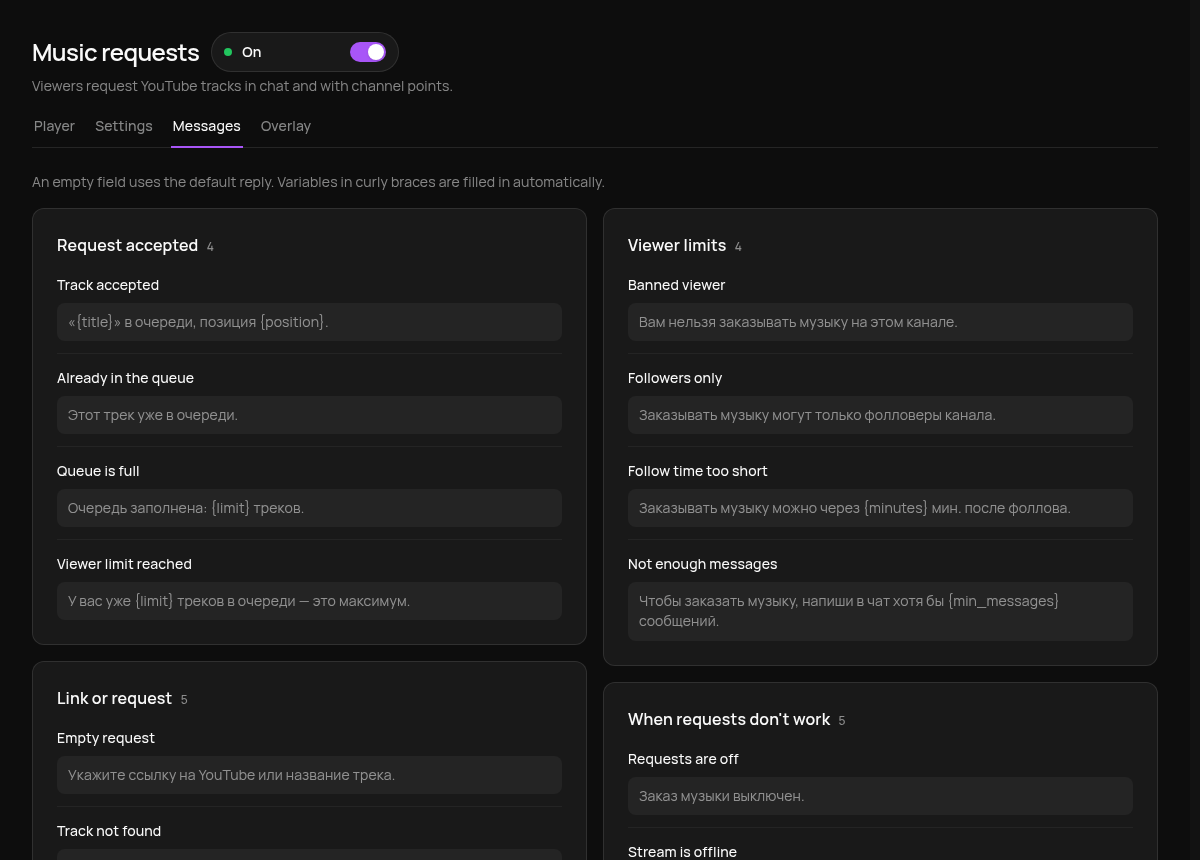
When a channel point request is refused, the reply gets "Баллы возвращены." (points refunded) or "Баллы вернуть не удалось." (refund failed) appended.