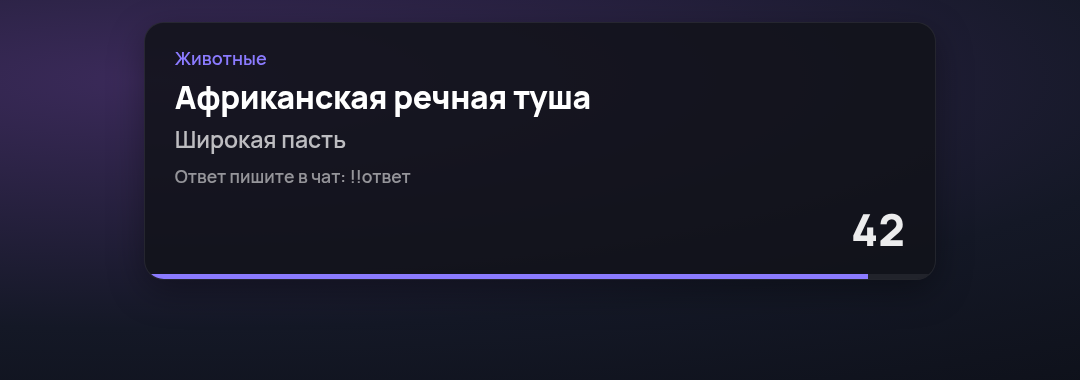
OBS widget
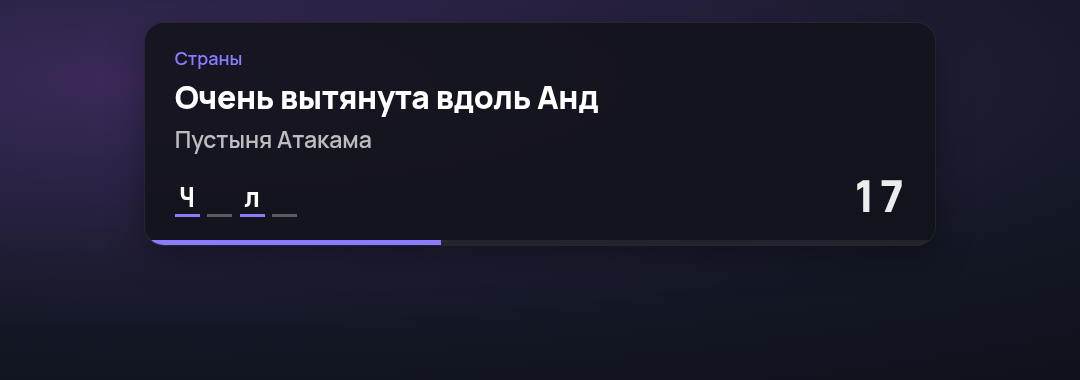
The widget shows the current question on stream: topic, clues, timer, revealed letters and the winner.
Setup
- On the quiz page click Set up widget.
- Copy the OBS link.
- In OBS add a "Browser" source of 1920×400 and place it at the top of the scene.
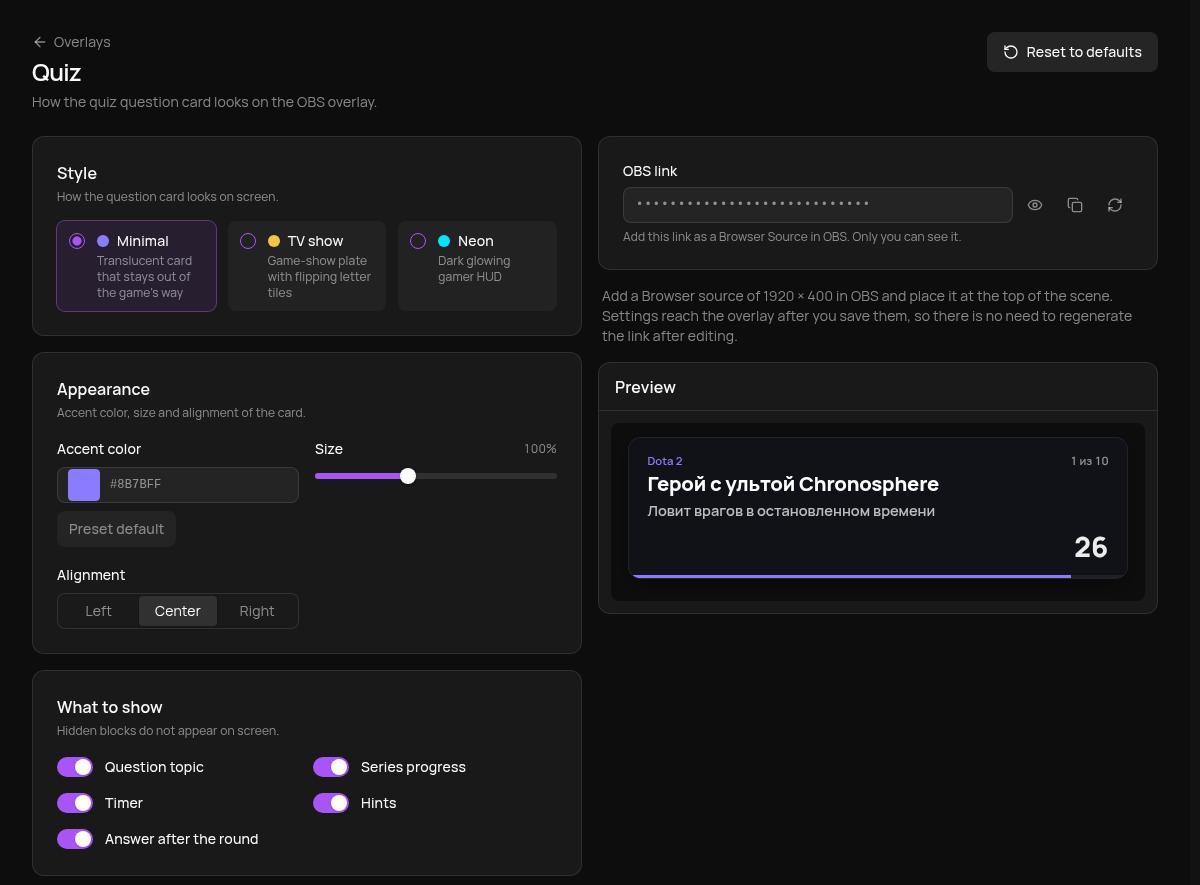
Changes apply after saving; the link stays the same. Don't show the link on stream: anyone with it can open your overlay. If it leaks, click Regenerate link (the arrows button): the old link stops working and the new one goes into OBS.
Styles
Minimal: a translucent card that stays out of the game's way. The default.
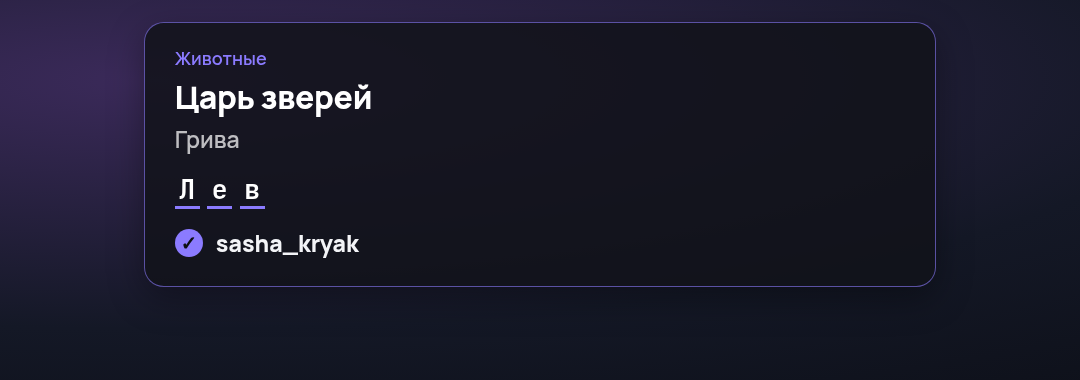
TV show: a game-show plate with letter tiles.

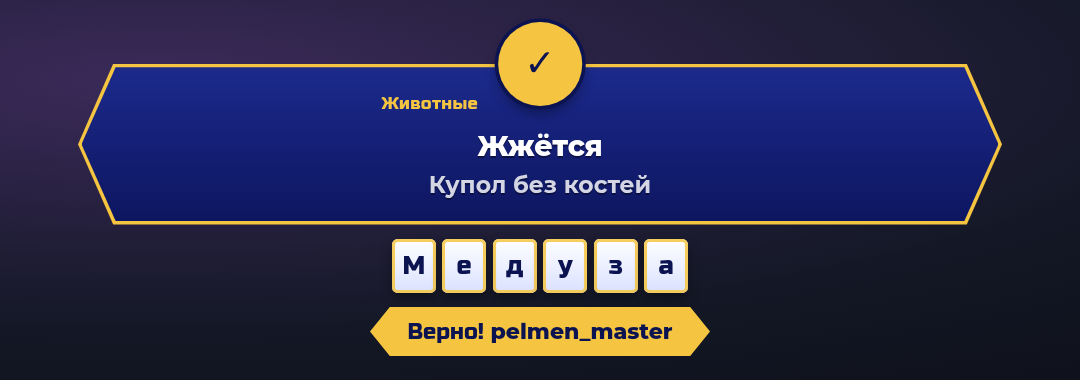
Neon: a dark glowing HUD.
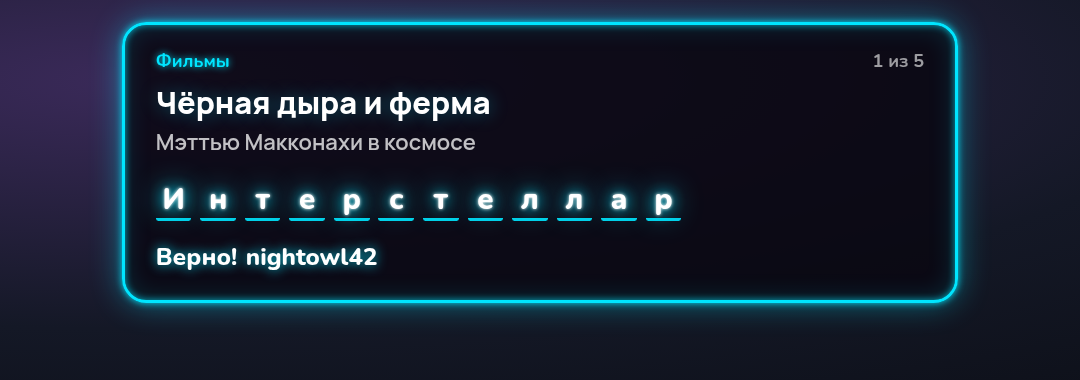
Appearance sets the accent colour, size (70–150 %) and alignment; What to show toggles the topic, series progress, timer, hints and the answer after the round.
How it behaves
- Between rounds the widget is empty: it appears with a question and hides 8 seconds after the result.
- The answer appears only after the round ends, so it can't be peeked from the overlay.
- A stopped round disappears at once.
Widget only, no chat messages
With "Bot messages in chat" off, the bot stops posting about the round in chat and the widget tells viewers how to answer: